Clean Clode Launch: Fix Messy Claude Code Output in Seconds
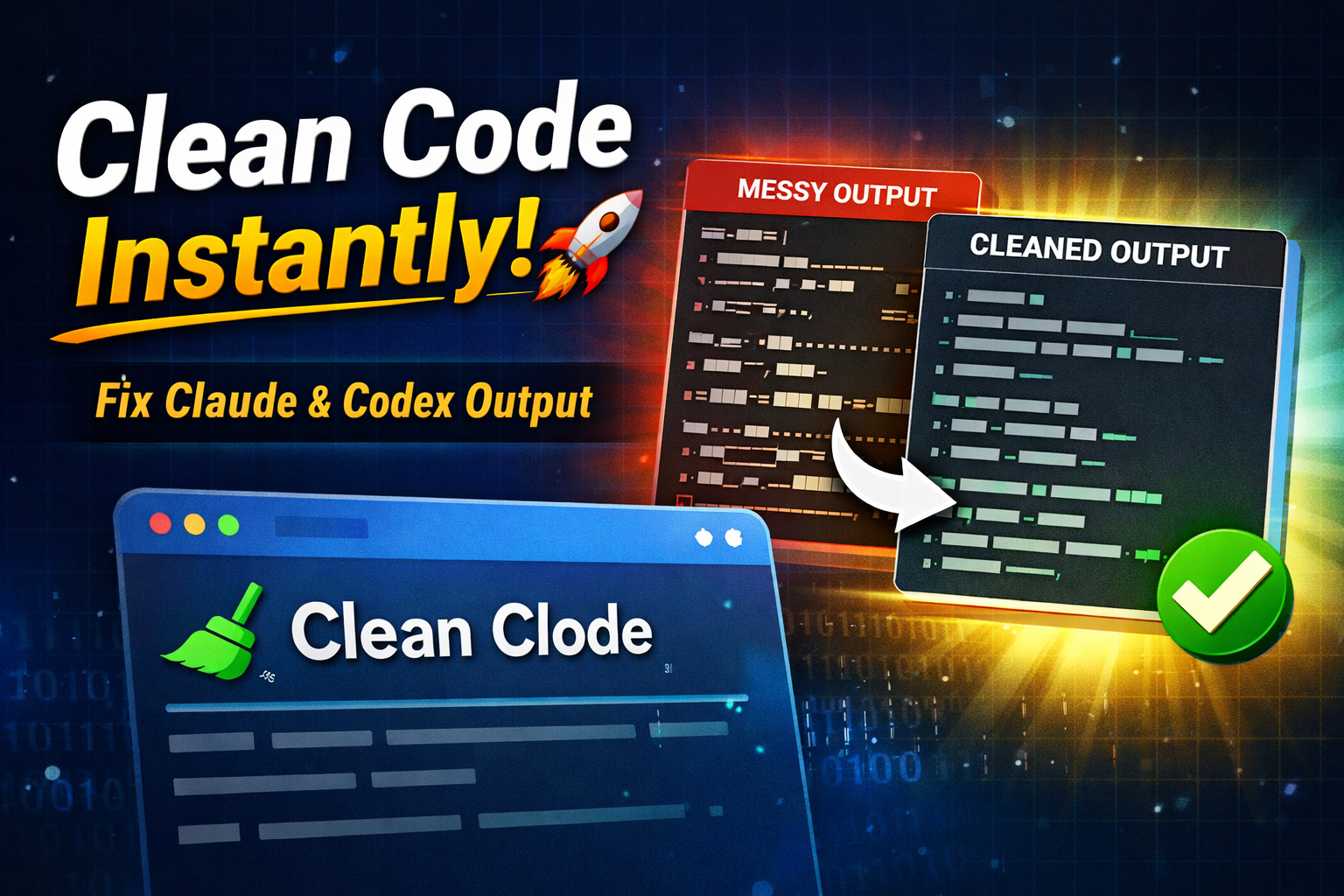
Developers using Claude Code and Codex often waste valuable time cleaning messy terminal output filled with box lines, pipes, and broken formatting. Today, a new open-source tool called Clean Clode promises to fix that problem instantly.
This matters because thousands of developers copy AI-generated code daily for documentation, GitHub, blogs, and production work. Clean Clode removes formatting clutter while keeping your actual content safe. In this article, you’ll learn what Clean Clode is, who benefits, how it works, and why it could become a must-have browser tool in 2026.
What Is the Update?
Clean Clode has officially launched as a free, open-source text cleaning tool made for developers who use Claude Code and OpenAI Codex.
When developers run prompts inside tools like Claude Code and OpenAI Codex, terminal outputs often contain:
-
Box drawing characters
-
Pipe symbols
-
Extra whitespace
-
Broken line wrapping
-
Misaligned formatting
These artifacts make it difficult to reuse the output in:
-
Project documentation
-
Blog articles
-
Markdown files
-
GitHub READMEs
-
Client reports
Clean Clode intelligently removes only the unwanted formatting while preserving the real structure of the text.
The biggest highlight? Everything runs directly in your browser. No login. No tracking. No data collection.
Who Will Benefit?
Clean Clode is especially useful for:
Developers
Those who frequently copy outputs from Claude Code or Codex into projects.
Technical Writers
Writers creating tutorials or documentation from AI-generated terminal results.
Students
Engineering and coding students working on assignments and practical labs.
Startup Teams
Small teams that need quick cleanup before sharing AI-generated code with clients.
Content Creators
Tech bloggers who publish AI code snippets regularly.
In short, anyone who deals with messy terminal output will find Clean Clode helpful.
Key Highlights of Clean Clode
Here are the major features:
-
✅ 100% browser-based tool
-
✅ Open-source and transparent
-
✅ No tracking or analytics
-
✅ No data storage
-
✅ Preserves original text structure
-
✅ Removes box characters and pipes
-
✅ Fixes irregular line wrapping
-
✅ Instant cleaning in seconds
Unlike many online formatting tools, Clean Clode focuses specifically on Claude Code and Codex output formatting.
Eligibility Criteria
There are no restrictions to use Clean Clode.
You only need:
-
A modern web browser (Chrome, Edge, Firefox, Safari)
-
Terminal output from Claude Code or Codex
-
Internet connection
There is no signup, subscription, or payment required.
Important Dates
-
🚀 Official Launch: Today
-
🌐 Public Access: Available immediately
-
🔄 Updates: Expected based on community feedback
Since Clean Clode is open-source, future improvements may come quickly depending on developer contributions.
Step-by-Step Process to Use Clean Clode
Using Clean Clode is simple and beginner-friendly.
Step 1: Visit the Official Website
Open the Clean Clode website in your browser.
Step 2: Copy Terminal Output
Copy the messy output from Claude Code or Codex.
Step 3: Paste Into the Tool
Paste the content inside the Clean Clode input box.
Step 4: Click Clean
The tool automatically removes unwanted formatting.
Step 5: Copy Clean Text
Copy the cleaned output and reuse it anywhere.
The entire process takes less than 10 seconds.
Documents Required
No documents are required.
You do not need:
-
Email ID
-
Phone number
-
API key
-
Login credentials
Clean Clode runs entirely in your browser session.
Important Government Instructions
Currently, there are no government regulations or compliance requirements specifically for using Clean Clode.
However, developers should always:
-
Avoid uploading confidential company data
-
Follow workplace IT policies
-
Ensure sensitive information is protected
Since Clean Clode works locally in the browser and does not collect data, it reduces security risks compared to cloud-based tools.
Why Clean Clode Matters in 2026
AI coding assistants are now widely used in India’s growing tech ecosystem. Tools like Claude Code and Codex generate powerful outputs, but formatting often becomes a headache.
Instead of manually:
-
Removing pipes
-
Fixing alignment
-
Deleting extra spaces
-
Reformatting Markdown
Developers can now use Clean Clode and save time.
Time saved in formatting means more time for building products.
For freelancers and startup founders, this small efficiency boost can make a real difference.
Expert Practical Advice
If you regularly use AI-generated code, here are some tips:
1. Always Review Cleaned Output
Even after cleaning, double-check indentation and syntax.
2. Use Version Control
Before replacing old documentation, commit changes on GitHub.
3. Avoid Blind Copy-Paste
AI output may contain logical errors. Clean Clode fixes formatting — not logic.
4. Combine With Markdown Preview
After cleaning, preview your Markdown file to ensure proper structure.
5. Contribute to Open Source
Since Clean Clode is open-source, developers can suggest improvements or features.
How Clean Clode Compares to Other Tools
General text cleaners remove whitespace but often damage formatting structure.
Clean Clode is built specifically for:
-
Claude Code output
-
Codex terminal responses
-
AI-generated console results
That specialization makes it more accurate.
Additionally, the privacy-first approach is gaining attention. In a time when many web tools collect user data, Clean Clode stands out with zero tracking.
Potential Future Updates
Developers expect future versions to include:
-
Dark mode interface
-
Batch cleaning
-
Auto-detect formatting
-
Browser extension support
If these updates arrive, Clean Clode could become a daily productivity tool for developers worldwide.
Clean Clode may look like a simple tool, but it solves a real problem faced by modern developers.
As AI coding assistants become mainstream, formatting clutter slows down workflow. Clean Clode removes that friction instantly — safely, privately, and for free.
For Indian developers, students, and tech content creators, this open-source launch is timely and practical.
If you work with Claude Code or Codex, this tool could quietly save hours every month.
Sometimes, the smallest tools create the biggest impact.
FAQs
1. What is Clean Clode used for?
Clean Clode is used to remove formatting artifacts from Claude Code and Codex terminal output while keeping the actual content intact.
2. Is Clean Clode free?
Yes, Clean Clode is completely free and open-source.
3. Does Clean Clode collect data?
No. It runs entirely in your browser and does not track or store any data.
4. Can beginners use Clean Clode?
Yes. The interface is simple and requires only copy-paste.
5. Does Clean Clode fix code errors?
No. It only removes formatting clutter. It does not check logic or syntax errors.
Read More:- https://freshrise.in/sbi-personal-loan-2026-10-lakh/

The Founder of Fresh Rise and a global educator, a digital news platform focused on delivering clear, verified, and meaningful stories that matter to everyday readers. I write about current affairs, government schemes, education, social issues, and global developments, presenting complex topics in a simple and easy-to-understand format.
With a background in teaching and content creation, I believes that information should be accessible to everyone. Through Fresh Rise, i aim to help readers stay informed with factual reporting, practical insights, and timely updates.